Page Replication in C# and .NET
Processing PDF pages is a common requirement in many applications, whether for reordering, adding, or splitting pages. The SautinSoft.Pdf library provides a reliable set of tools to effectively solve these tasks.
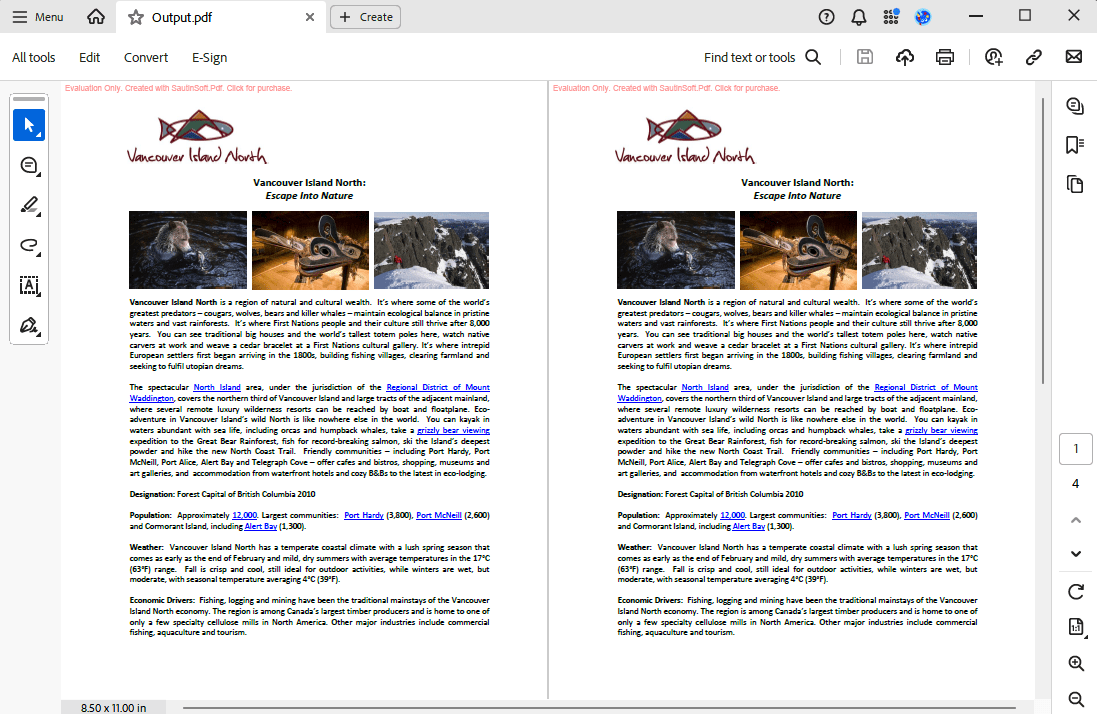
With PDF .Net, you can clone or import pages (and even page trees) between PDF documents in your C# or VB.NET application. You can clone the entire PDF .Net, using the PDF .Net.Clone() method, or just specific pages using the PdfPages.AddClone() method.
The following example shows how to clone a page from another PDF document:
- Add SautinSoft.PDF from NuGet.
- Load a PDF document.
- Add page clone.
- Save the PDF document.
Input file:
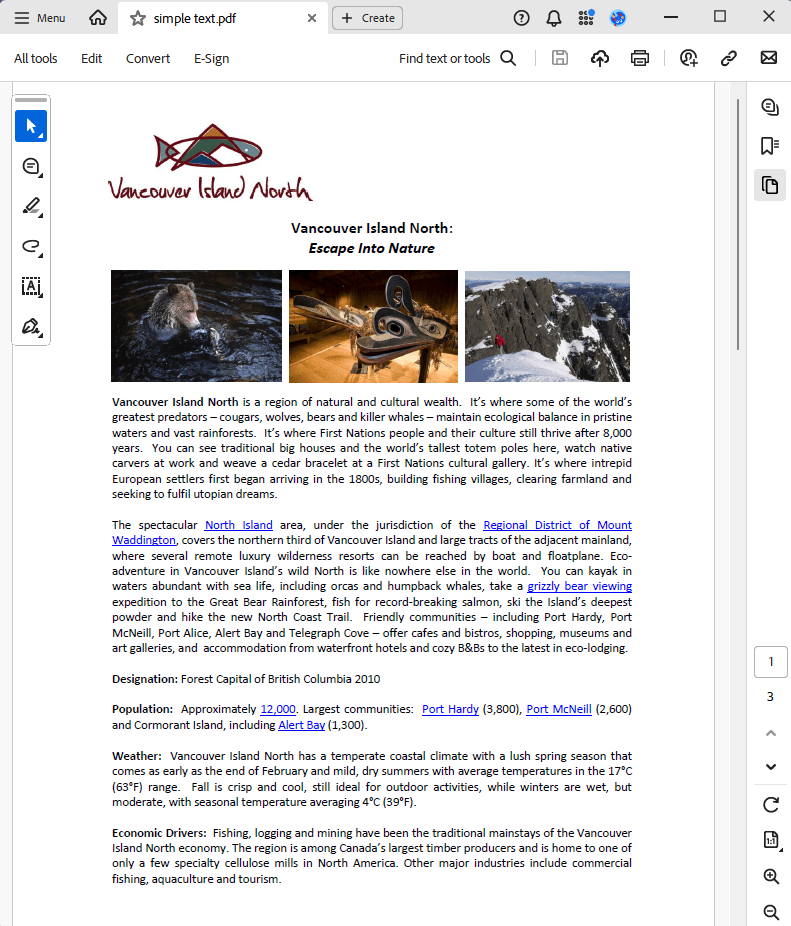
Output result:
Complete code
 GitHub
using System;
using System.IO;
using System.Reflection;
using SautinSoft;
using SautinSoft.Pdf;
using SautinSoft.Pdf.Content;
namespace Sample
{
class Sample
{
/// <summary>
/// Cloning PDF's page.
/// </summary>
/// <remarks>
/// Details: https://sautinsoft.com/products/pdf/help/net/developer-guide/cloning-page.php
/// </remarks>
static void Main(string[] args)
{
// Before starting this example, please get a free trial key:
// https://sautinsoft.com/start-for-free/
// Apply the key here:
// PdfDocument.SetLicense("...");
// Load a PDF document.
using (var document = PdfDocument.Load(Path.GetFullPath(@"..\..\..\simple text.pdf")))
{
// Add page clone
document.Pages.InsertClone(1, document.Pages[0]);
// Save a PDF document.
document.Save("Output.pdf");
}
System.Diagnostics.Process.Start(new System.Diagnostics.ProcessStartInfo(@"Output.pdf") { UseShellExecute = true });
}
}
}Option Infer On
Imports System
Imports System.IO
Imports System.Reflection.Metadata
Imports SautinSoft
Imports SautinSoft.Pdf
Imports SautinSoft.Pdf.Content
Namespace Sample
Friend Class Sample
''' <summary>
''' Cloning PDF's page.
''' </summary>
''' <remarks>
''' Details: https://sautinsoft.com/products/pdf/help/net/developer-guide/cloning-page.php
''' </remarks>
Shared Sub Main(ByVal args() As String)
' Before starting this example, please get a free trial key:
' https://sautinsoft.com/start-for-free/
' Apply the key here:
' PdfDocument.SetLicense("...");
' Load a PDF document.
Using document = PdfDocument.Load(Path.GetFullPath("..\..\..\simple text.pdf"))
' Add page clone
document.Pages.InsertClone(1, document.Pages(0))
' Save a PDF document.
document.Save("Output.pdf")
End Using
System.Diagnostics.Process.Start(New System.Diagnostics.ProcessStartInfo("Output.pdf") With {.UseShellExecute = True})
End Sub
End Class
End Namespace
If you need a new code example or have a question: email us at support@sautinsoft.com or ask at Online Chat (right-bottom corner of this page).