How to embed images inside HTML document using base64 in C# and .NET
In modern web development and automated document conversion, the need to embed images directly into HTML content online often arises. This is especially relevant when generating dynamic documents, email newsletters, or creating reports, where it is necessary to reduce dependency on external resources and provide a single component for increased security and ease of sharing. One effective way to achieve this is to encode images in Base64 format and embed them directly into the HTML code.
Base64 is a scheme for encoding binary data into a text format represented by a set of Latin characters. This allows images and other binary files to be safely embedded in HTML or CSS. As a result, when a browser or rendering engine encounters such content, it unpacks it and displays the image without accessing external sources.
Embedding images using Base64 is the process of encoding an image file into a special string and inserting this string directly into an HTML document via the img tag with the src="data:image/...;base64,..." attribute. The entire image thus becomes part of the HTML, eliminating the need to download it from the internet or third-party resources.
Using code to automatically embed images into an HTML document via Base64 has a number of advantages that make it a valuable tool:
- Automation and scalability: scripts allow you to automatically insert images into millions of documents without manual intervention.
- Cross-platform: C# and .NET enable the creation of platform-independent solutions.
- Integration with existing systems: can be easily implemented into corporate infrastructure, reporting systems, etc.
- High security: internal encoding eliminates the risk of malicious external resources.
- Improved email newsletter generation capabilities: embedding images in HTML emails makes delivery more reliable and convenient.
It's also worth considering that such solutions can increase file size, as Base64 encoding increases the original image size by 33–37%. Therefore, this method is best used for small images or those with special data integrity requirements.
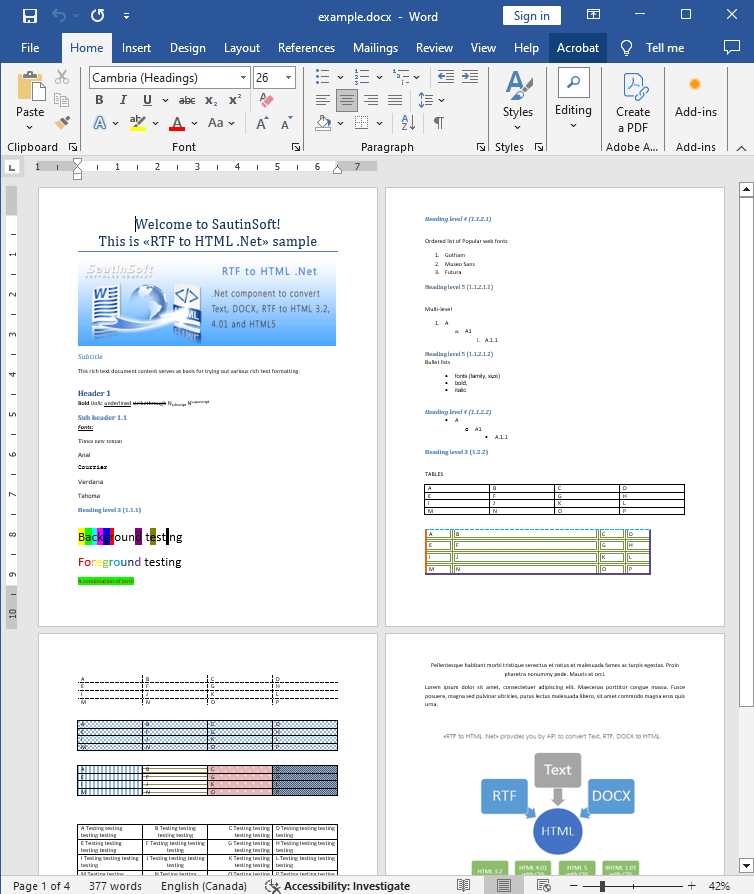
Input file:
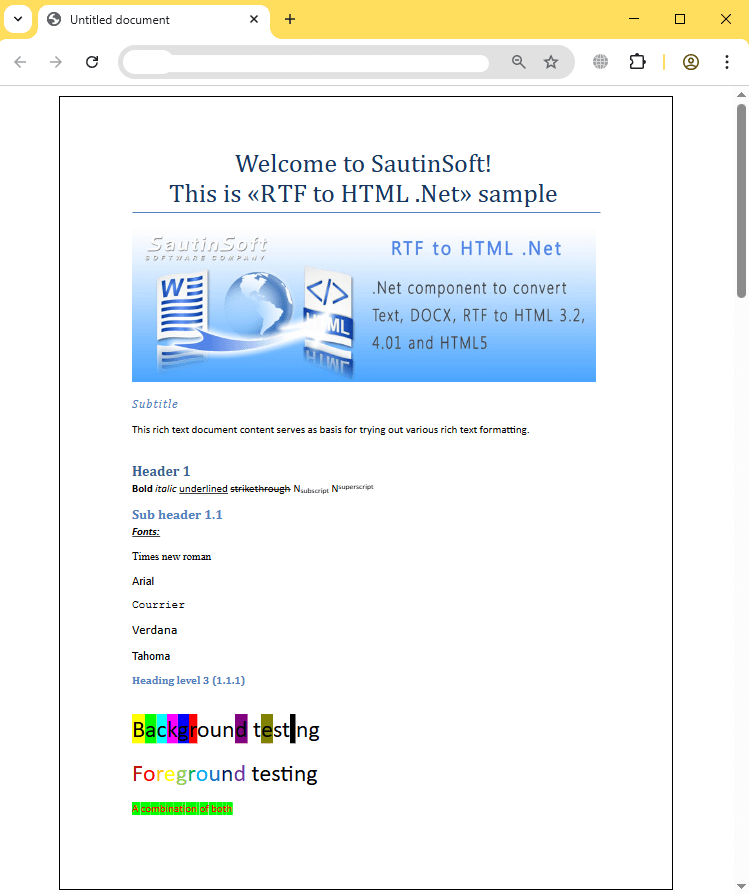
Output result (html):
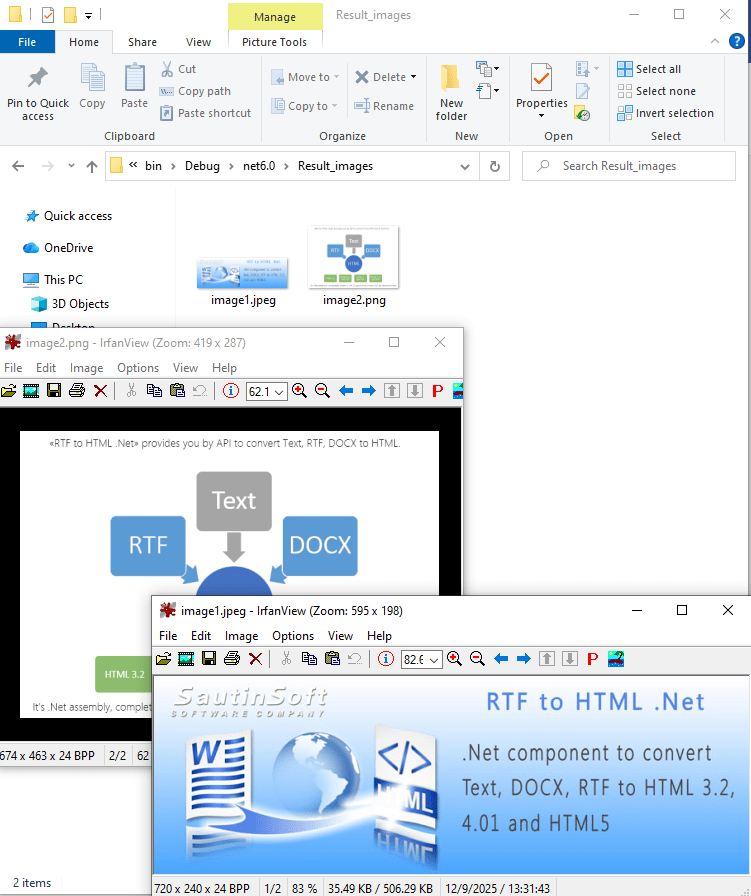
Output result (images):
Complete code
 GitHub
using System;
using System.Collections.Generic;
using System.Linq;
using System.Text;
using System.IO;
using SautinSoft;
namespace Example
{
class Program
{
static void Main(string[] args)
{
EmbedImages();
}
/// <summary>
/// How to embed images inside HTML document using base64.
/// </summary>
static void EmbedImages()
{
// Here we'll convert to two HTML documents:
// 1. HTML-document which have linked images.
// 2. HTML-document with embedded images.
string inpFile = @"..\..\..\example.docx";
string htmlFileNonEmbeddedImg = Path.GetFullPath(@"NonEmbedded.html");
string imgDir = Path.GetDirectoryName(htmlFileNonEmbeddedImg);
string htmlFileEmbeddedImg = Path.GetFullPath(@"Embedded.html");
RtfToHtml r = new RtfToHtml();
// 1. Convert to HTML with linked images.
RtfToHtml.HtmlFixedSaveOptions opt = new RtfToHtml.HtmlFixedSaveOptions()
{
ImagesDirectoryPath = Path.Combine(imgDir, "Result_images"),
ImagesDirectorySrcPath = "Result_images",
// Change to store images as physical files on local drive.
EmbedImages = false,
Title = "HTML with linked images."
};
try
{
r.Convert(inpFile, htmlFileNonEmbeddedImg, opt);
}
catch (Exception ex)
{
Console.WriteLine($"Conversion failed! {ex.Message}");
}
// 2. Convert to HTML with embedded images.
opt.EmbedImages = true;
opt.Title = "HTML with embedded images";
try
{
r.Convert(inpFile, htmlFileEmbeddedImg, opt);
}
catch (Exception ex)
{
Console.WriteLine($"Conversion failed! {ex.Message}");
}
// Open the results.
System.Diagnostics.Process.Start(new System.Diagnostics.ProcessStartInfo(htmlFileNonEmbeddedImg) { UseShellExecute = true });
System.Diagnostics.Process.Start(new System.Diagnostics.ProcessStartInfo(htmlFileEmbeddedImg) { UseShellExecute = true });
}
}
}Imports System
Imports System.Collections.Generic
Imports System.Linq
Imports System.Text
Imports System.IO
Imports SautinSoft
Namespace Example
Friend Class Program
Shared Sub Main(ByVal args() As String)
EmbedImages()
End Sub
''' <summary>
''' How to embed images inside HTML document using base64.
''' </summary>
Private Shared Sub EmbedImages()
' Here we'll convert to two HTML documents:
' 1. HTML-document which have linked images.
' 2. HTML-document with embedded images.
Dim inpFile As String = "..\..\..\example.docx"
Dim htmlFileNonEmbeddedImg As String = Path.GetFullPath("NonEmbedded.html")
Dim imgDir As String = Path.GetDirectoryName(htmlFileNonEmbeddedImg)
Dim htmlFileEmbeddedImg As String = Path.GetFullPath("Embedded.html")
Dim r As New RtfToHtml()
' 1. Convert to HTML with linked images.
Dim opt As new RtfToHtml.HtmlFixedSaveOptions() With {
.ImagesDirectoryPath = Path.Combine(imgDir, "Result_images"),
.ImagesDirectorySrcPath = "Result_images",
.EmbedImages = False,
.Title = "HTML with linked images."
}
Try
r.Convert(inpFile, htmlFileNonEmbeddedImg, opt)
Catch ex As Exception
Console.WriteLine($"Conversion failed! {ex.Message}")
End Try
' 2. Convert to HTML with embedded images.
opt.EmbedImages = True
opt.Title = "HTML with embedded images"
Try
r.Convert(inpFile, htmlFileEmbeddedImg, opt)
Catch ex As Exception
Console.WriteLine($"Conversion failed! {ex.Message}")
End Try
' Open the results.
System.Diagnostics.Process.Start(New System.Diagnostics.ProcessStartInfo(htmlFileNonEmbeddedImg) With {.UseShellExecute = True})
System.Diagnostics.Process.Start(New System.Diagnostics.ProcessStartInfo(htmlFileEmbeddedImg) With {.UseShellExecute = True})
End Sub
End Class
End Namespace
If you need a new code example or have a question: email us at support@sautinsoft.com or ask at Online Chat (right-bottom corner of this page).