How to set images format when saving in HTML in C# and .NET
Working with documents and converting formats are among the most common developer tasks in modern software. In particular, when exporting content to HTML or other formats, it's important to properly manage images to preserve quality and ensure compatibility. In this context, the component RTF TO HTML .NET from SautinSoft SDK is an excellent tool for not only converting documents but also managing image formats when saving. In this article, we'll discuss how to set image formats when saving in C# and .NET using this library.
What's the benefit of this approach?
- Flexibility: You can change image formats at any time during automated document processing.
- Optimization: Reduce the size of final files by choosing a lightweight format (e.g., JPEG for photos).
- Quality control: Set parameters that balance quality and size.
- Automation: Integration into document processing pipelines and publishing systems.
What can this functionality be used for?
- Creating an automatic report generation system with graphs.
- Publishing static pages on a website where image size is important.
- Processing documents for workflow in corporate systems.
- Creating custom utilities that export RTF to HTML with image control parameters.
The scope of application depends on the project requirements. In systems related to publishing and outputting content, image control is a standard requirement. In more specialized cases, such as report preparation or document automation, this functionality is part of common scenarios.
Other interesting aspects:
- Support for various image formats: PNG, JPEG, GIF, BMP, TIFF — the ability to choose the most suitable and save optimal parameters.
- Adjustable JPEG quality: Sometimes it is necessary to reduce file size without significant loss of quality. This can be achieved by expanding libraries or using third-party settings.
- Compression parameters: In some cases, you can control the level of image compression, which is important for optimizing web content.
- Image handling within RTF: The library can preserve embedded images, making it a valuable tool when migrating documents from RTF to web formats.
Input file:
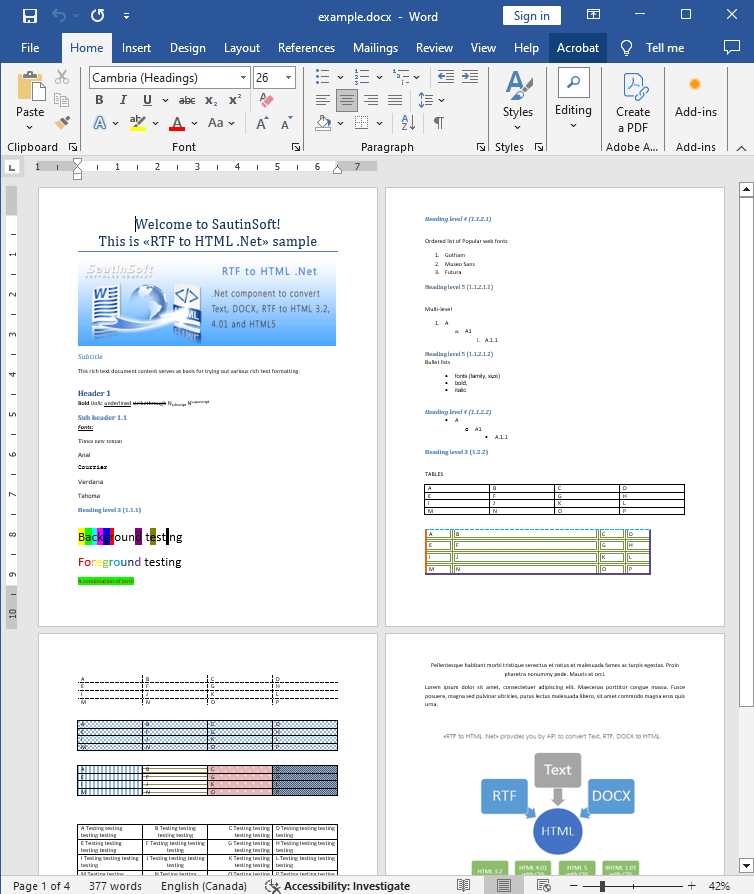
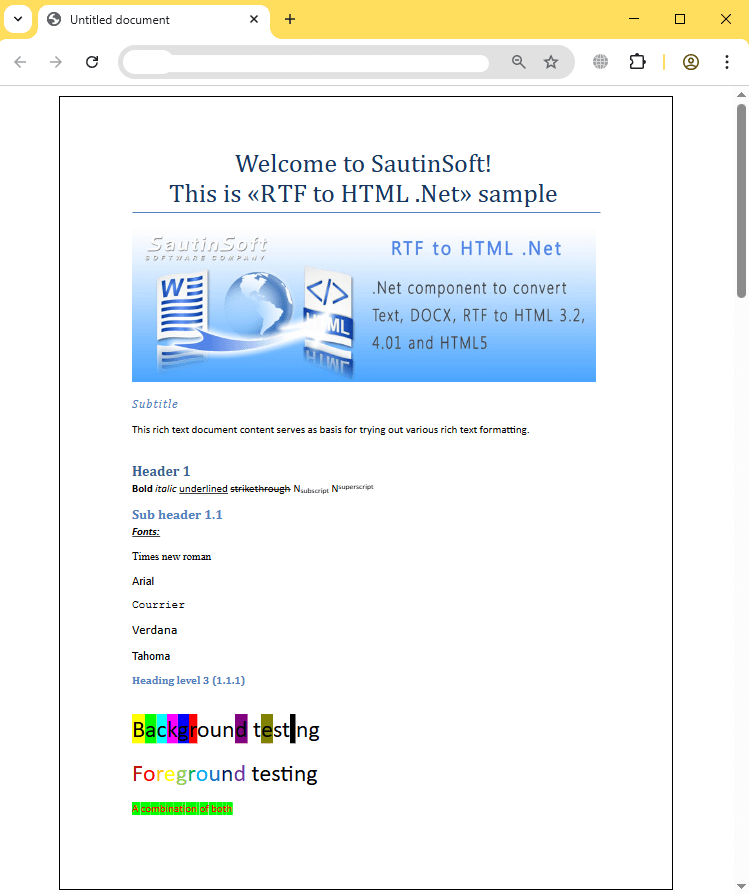
Output result (html):
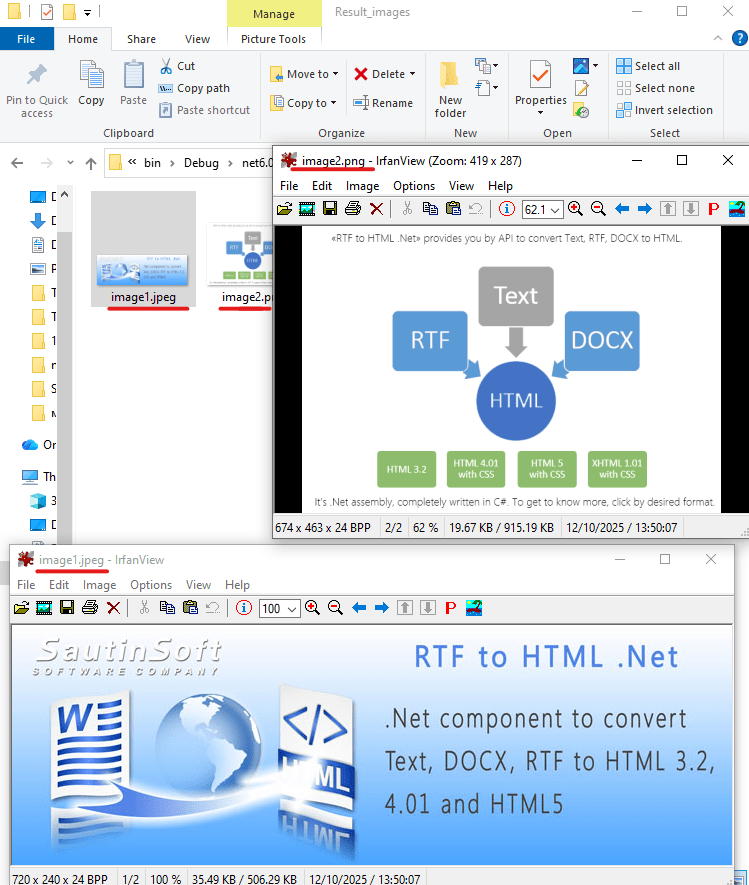
Output result (images):
Complete code
 GitHub
using System;
using System.Collections.Generic;
using System.Linq;
using System.Text;
using System.IO;
using SautinSoft;
namespace Example
{
class Program
{
static void Main(string[] args)
{
SetImagesFormat();
}
/// <summary>
/// How to set images format.
/// </summary>
static void SetImagesFormat()
{
string inpFile = @"..\..\..\example.docx";
string outFile = Path.GetFullPath(@"Result.html");
string imgDir = Path.GetDirectoryName(outFile);
RtfToHtml r = new RtfToHtml();
// 1. Set PNG format.
RtfToHtml.HtmlFixedSaveOptions opt = new RtfToHtml.HtmlFixedSaveOptions()
{
ImagesDirectoryPath = Path.Combine(imgDir, "Result_images"),
ImagesDirectorySrcPath = "Result_images",
// Change to store images as physical files on local drive.
EmbedImages = false,
ImageFormat = RtfToHtml.HtmlSaveOptions.ImagesFormat.Png,
Title = "HTML document, PNG images"
};
try
{
r.Convert(inpFile, outFile, opt);
}
catch (Exception ex)
{
Console.WriteLine($"Conversion failed! {ex.Message}");
}
// Open the result.
System.Diagnostics.Process.Start(new System.Diagnostics.ProcessStartInfo(outFile) { UseShellExecute = true });
}
}
}Imports System
Imports System.Collections.Generic
Imports System.Linq
Imports System.Text
Imports System.IO
Imports SautinSoft
Namespace Example
Friend Class Program
Shared Sub Main(ByVal args() As String)
SetImagesFormat()
End Sub
''' <summary>
''' How to set images format.
''' </summary>
Private Shared Sub SetImagesFormat()
Dim inpFile As String = "..\..\..\example.docx"
Dim outFile As String = Path.GetFullPath("Result.html")
Dim imgDir As String = Path.GetDirectoryName(outFile)
Dim r As New RtfToHtml()
' 1. Set PNG format.
Dim opt As New RtfToHtml.HtmlFixedSaveOptions() With {
.ImagesDirectoryPath = Path.Combine(imgDir, "Result_images"),
.ImagesDirectorySrcPath = "Result_images",
.EmbedImages = False,
.ImageFormat = RtfToHtml.HtmlSaveOptions.ImagesFormat.Png,
.Title = "HTML document, PNG images"
}
Try
r.Convert(inpFile, outFile, opt)
Catch ex As Exception
Console.WriteLine($"Conversion failed! {ex.Message}")
End Try
' Open the result.
System.Diagnostics.Process.Start(New System.Diagnostics.ProcessStartInfo(outFile) With {.UseShellExecute = True})
End Sub
End Class
End Namespace
If you need a new code example or have a question: email us at support@sautinsoft.com or ask at Online Chat (right-bottom corner of this page).