Convert Text to PDF in stream using C# and .NET
Working with documentation in modern applications often requires dynamically creating PDF files on the fly, without saving them to disk first. In such situations, the ability to convert text to PDF using `streams` is particularly useful. In this article, we'll take a detailed look at how to implement this environment using a powerful and flexible tool - the component PDF Metamorphosis .NET from SautinSoft SDK.
Typically, when creating a PDF document, its content is generated from plain text or HTML. The task of "converting text to PDF into a stream" implies that the result should be obtained not as a file on disk, but as a data stream (e.g., `MemoryStream` or `Stream`), which can then be sent over the network, written to a database, or otherwise used.
Why is converting text to PDF using streams useful?
- Reporting automation: generate reports "on-the-fly" from dynamic data.
- Create PDFs with user-specific content: for example, generate contracts, subscription forms, or tickets.
- Export data from web applications: send the finished PDF to the user without saving it to the server.
- Integrate with storage and sharing systems: transfer PDFs via APIs or to cloud storage.
In modern business solutions, especially in online services, APIs, and cloud platforms, the need to dynamically generate PDF reports or documents with minimal latency makes such methods highly sought after. They are used by banks, logistics companies, accounting systems, CRM systems, and many others.
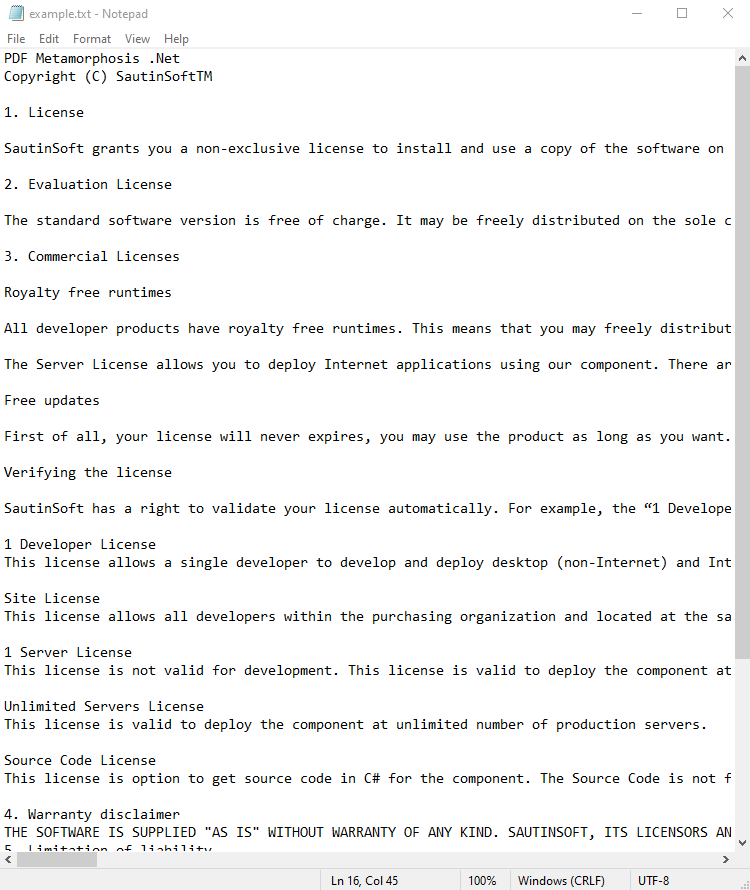
Input file:
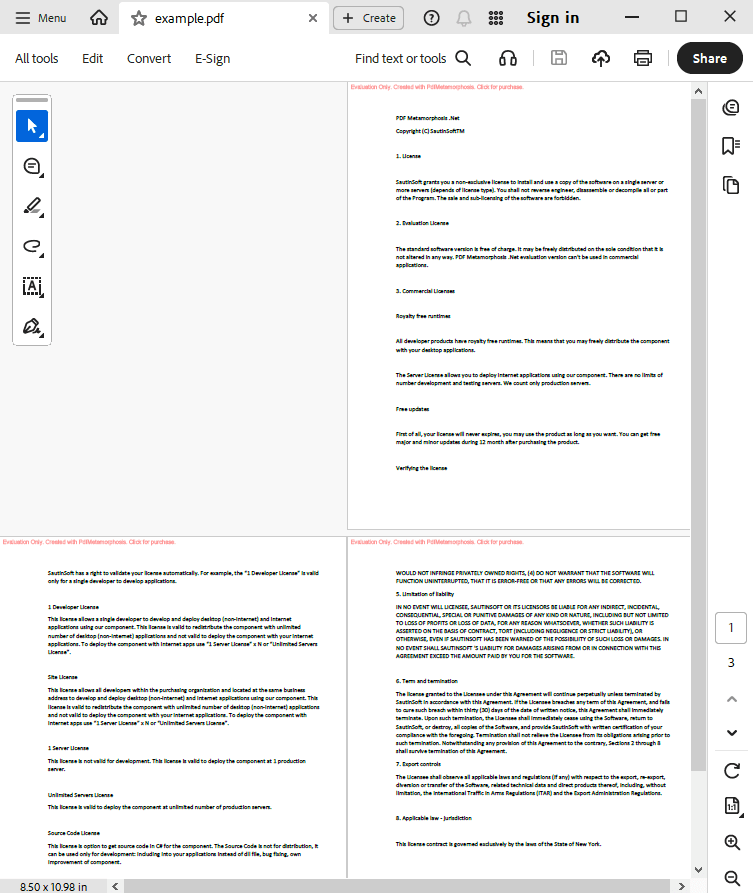
Output result:
Complete code
 GitHub
using System;
using System.IO;
using System.Collections;
namespace Sample
{
class Test
{
static void Main(string[] args)
{
// Before starting, we recommend to get a free key:
// https://sautinsoft.com/start-for-free/
// Apply the key here:
// SautinSoft.PdfMetamorphosis.SetLicense("...");
SautinSoft.PdfMetamorphosis p = new SautinSoft.PdfMetamorphosis();
if (p != null)
{
string txtPath = @"..\..\..\example.txt";
string pdfPath = Path.ChangeExtension(txtPath, ".pdf");
MemoryStream txt = new MemoryStream(File.ReadAllBytes(txtPath));
// 3. Convert TEXT to PDF in stream
Stream pdf = p.TextToPdfConvertStream(txt);
if (pdf != null)
{
pdf.Position = 0;
var ms = new MemoryStream();
pdf.CopyTo(ms);
ms.Position = 0;
// 3. Save the PDF document to a file for a viewing purpose.
File.WriteAllBytes(pdfPath, ms.ToArray());
System.Diagnostics.Process.Start(new System.Diagnostics.ProcessStartInfo(pdfPath) { UseShellExecute = true });
}
else
{
System.Console.WriteLine("Conversion failed!");
Console.ReadLine();
}
}
}
}
}Option Infer On
Imports System
Imports System.IO
Imports System.Collections
Namespace Sample
Friend Class Test
Shared Sub Main(ByVal args() As String)
' Before starting, we recommend to get a free key:
' https://sautinsoft.com/start-for-free/
' Apply the key here:
' SautinSoft.PdfMetamorphosis.SetLicense("...");
Dim p As New SautinSoft.PdfMetamorphosis()
If p IsNot Nothing Then
Dim txtPath As String = "..\..\..\example.txt"
Dim pdfPath As String = Path.ChangeExtension(txtPath, ".pdf")
Dim txt As New MemoryStream(File.ReadAllBytes(txtPath))
' 3. Convert TEXT to PDF in stream
Dim pdf As Stream = p.TextToPdfConvertStream(txt)
If pdf IsNot Nothing Then
pdf.Position = 0
Dim ms = New MemoryStream()
pdf.CopyTo(ms)
ms.Position = 0
' 3. Save the PDF document to a file for a viewing purpose.
File.WriteAllBytes(pdfPath, ms.ToArray())
System.Diagnostics.Process.Start(New System.Diagnostics.ProcessStartInfo(pdfPath) With {.UseShellExecute = True})
Else
System.Console.WriteLine("Conversion failed!")
Console.ReadLine()
End If
End If
End Sub
End Class
End Namespace
If you need a new code example or have a question: email us at support@sautinsoft.com or ask at Online Chat (right-bottom corner of this page).