Convert HTML file to PDF file in C# and .NET
In the digital age, PDF documents have become the standard for information exchange because they preserve their formatting and content regardless of platform and device. There is often a need to convert HTML pages to PDF files for archiving, emailing, or later viewing.
One powerful tool for automating this task is PDF Metamorphosis .NET from SautinSoft SDK. This library provides reliable and fast HTML to PDF conversion using a simple API, allowing developers to integrate conversion functionality into their .NET applications.
Sometimes web applications or content management systems require converting an HTML page or template to PDF, for example, to automatically generate reports, receipts, or tickets. Using SautinSoft automates this process, reducing the likelihood of errors and speeding up processing.
What are its benefits and why is it needed?
- Documentation process automation. Automatic PDF generation from HTML reports.
- Ensuring authenticity. PDF preserves its appearance and structure, ensuring authenticity.
- Compatibility. Easily integrates into existing C#/.NET systems.
- Flexible customization. Ability to customize fonts, pages, and navigation bars.
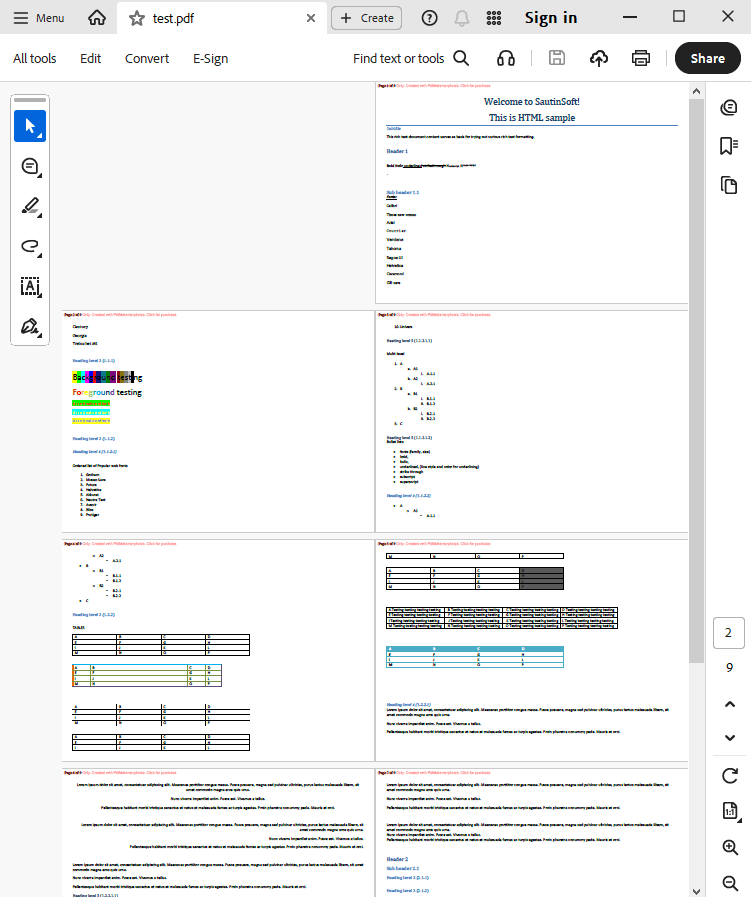
Input file:
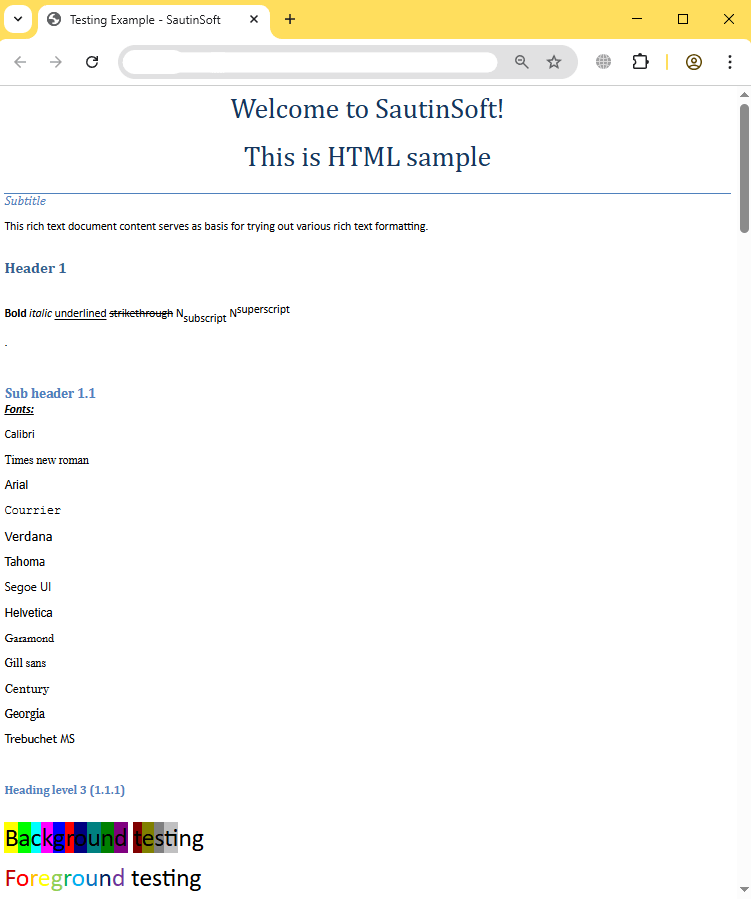
Output result:
Complete code
 GitHub
using System;
using System.IO;
using System.Collections;
namespace Sample
{
class Test
{
static void Main(string[] args)
{
// Before starting, we recommend to get a free key:
// https://sautinsoft.com/start-for-free/
// Apply the key here:
// SautinSoft.PdfMetamorphosis.SetLicense("...");
SautinSoft.PdfMetamorphosis p = new SautinSoft.PdfMetamorphosis();
//specify some options
p.PageSettings.Size.A4();
p.PageSettings.Orientation = SautinSoft.PdfMetamorphosis.PageSetting.Orientations.Landscape;
p.PageSettings.Numbering.Text = "Page {page} of {numpages}";
if (p != null)
{
string inputFile = @"..\..\..\example.htm";
string outputFile = @"..\..\..\test.pdf";
int result = p.HtmlToPdfConvertFile(inputFile, outputFile);
if (result == 0)
{
System.Console.WriteLine("Converted successfully!");
System.Diagnostics.Process.Start(new System.Diagnostics.ProcessStartInfo(outputFile) { UseShellExecute = true });
}
else
{
System.Console.WriteLine("Converting Error!");
}
}
}
}
}
Namespace Sample
    Friend Class Test

        Shared Sub Main(ByVal args() As String)
			' Before starting, we recommend to get a free key:
            ' https://sautinsoft.com/start-for-free/

            ' Apply the key here:
			' SautinSoft.PdfMetamorphosis.SetLicense("...");


			Dim p As New SautinSoft.PdfMetamorphosis()

            'specify some options
            p.PageSettings.Size.A4()
            p.PageSettings.Orientation = SautinSoft.PdfMetamorphosis.PageSetting.Orientations.Landscape

            p.PageSettings.Numbering.Text = "Page {page} of {numpages}"

            If p IsNot Nothing Then
                Dim inputFile As String = "..\..\..\example.htm"
                Dim outputFile As String = "..\..\..\test.pdf"

                Dim result As Integer = p.HtmlToPdfConvertFile(inputFile, outputFile)

                If result = 0 Then
                    System.Console.WriteLine("Converted successfully!")
					System.Diagnostics.Process.Start(New System.Diagnostics.ProcessStartInfo(outputFile) With {.UseShellExecute = True})
                Else
                    System.Console.WriteLine("Converting Error!")
                End If
            End If
        End Sub
    End Class
End NamespaceIf you need a new code example or have a question: email us at support@sautinsoft.com or ask at Online Chat (right-bottom corner of this page).