Convert DOC to PDF in stream using C# and .NET
Document conversion is one of the most demanded tasks in office automation and data processing. Converting DOC documents to PDF is particularly important, as it enables broader and more reliable exchange, compatibility, and security. In this review, we'll detail how to implement this task in streaming mode in C# and .NET using component PDF Metamorphosis .NET from SautinSoft library for working with various document formats.
Generally, document conversion involves reading the source file and creating a new file. However, when working with large documents or in systems where performance and minimal memory consumption are critical, streaming conversion is preferable. This means that data is read and written piecemeal via `Stream`, without storing the entire document in memory. This approach improves performance and reduces system load-critical factors in corporate applications and automated processes.
Using streaming DOC to PDF conversion is important for:
- Processing large documents without the risk of exceeding RAM capacity.
- Integration into automated systems (e.g., CI/CD pipelines), where minimizing execution time is important.
- Ensuring data security, as documents are not stored in an intermediate form.
- Creating high-load server solutions, where stability and scalability are critical.
Please note. The entire process is performed in streaming mode-data is read and written as needed.
For optimization, streams can be associated with files, network sockets, or database data.
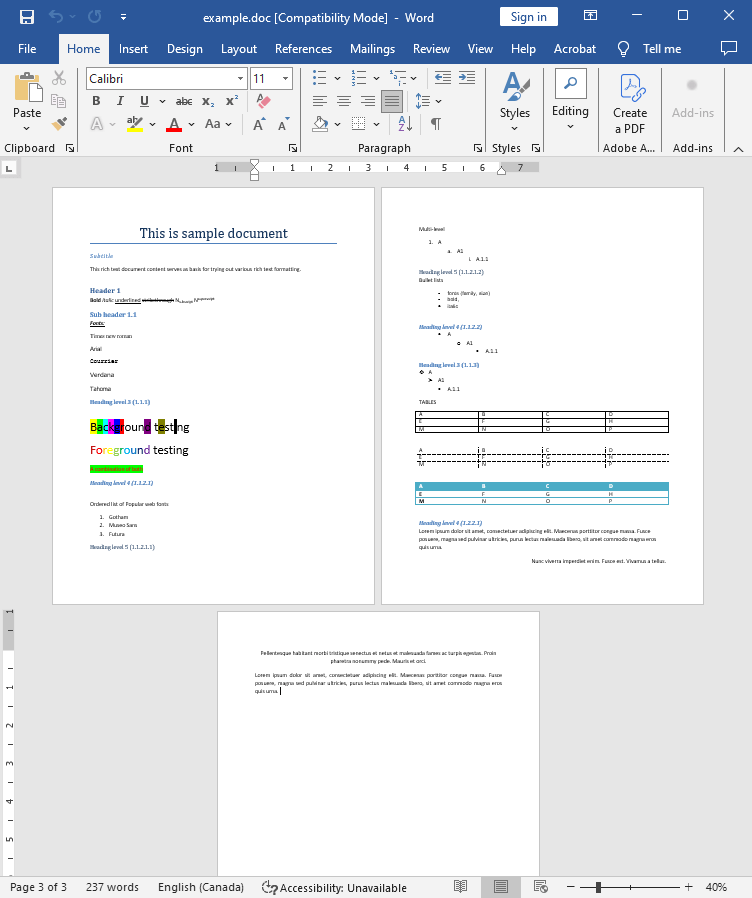
Input file:
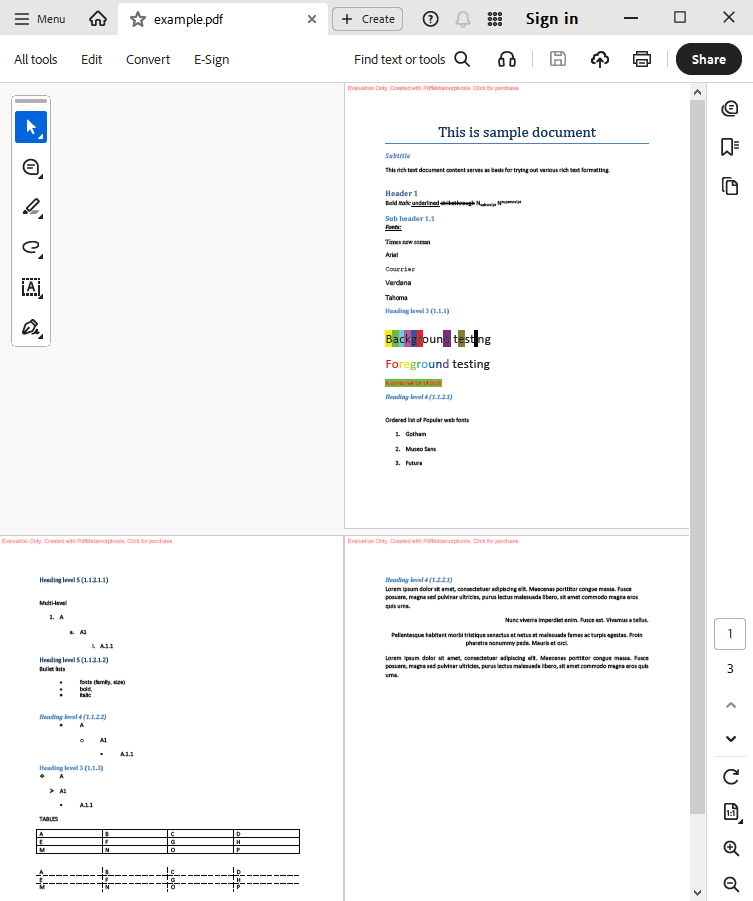
Output result:
Complete code
 GitHub
using System;
using System.IO;
using System.Collections;
namespace Sample
{
class Test
{
static void Main(string[] args)
{
// Before starting, we recommend to get a free key:
// https://sautinsoft.com/start-for-free/
// Apply the key here:
// SautinSoft.PdfMetamorphosis.SetLicense("...");
SautinSoft.PdfMetamorphosis p = new SautinSoft.PdfMetamorphosis();
if (p != null)
{
string docPath = @"..\..\..\example.doc";
string pdfPath = Path.ChangeExtension(docPath, ".pdf");
MemoryStream doc = new MemoryStream(File.ReadAllBytes(docPath));
// 3. Convert DOC to PDF in stream
Stream pdf = p.DocToPdfConvertStream(doc);
if (pdf != null)
{
pdf.Position = 0;
var ms = new MemoryStream();
pdf.CopyTo(ms);
ms.Position = 0;
// 3. Save the PDF document to a file for a viewing purpose.
File.WriteAllBytes(pdfPath, ms.ToArray());
System.Diagnostics.Process.Start(new System.Diagnostics.ProcessStartInfo(pdfPath) { UseShellExecute = true });
}
else
{
System.Console.WriteLine("Conversion failed!");
Console.ReadLine();
}
}
}
}
}Option Infer On
Imports System
Imports System.IO
Imports System.Collections
Namespace Sample
Friend Class Test
Shared Sub Main(ByVal args() As String)
' Before starting, we recommend to get a free key:
' https://sautinsoft.com/start-for-free/
' Apply the key here:
' SautinSoft.PdfMetamorphosis.SetLicense("...");
Dim p As New SautinSoft.PdfMetamorphosis()
If p IsNot Nothing Then
Dim docPath As String = "..\..\..\example.doc"
Dim pdfPath As String = Path.ChangeExtension(docPath, ".pdf")
Dim doc As New MemoryStream(File.ReadAllBytes(docPath))
' 3. Convert DOC to PDF in stream
Dim pdf As Stream = p.DocToPdfConvertStream(doc)
If pdf IsNot Nothing Then
pdf.Position = 0
Dim ms = New MemoryStream()
pdf.CopyTo(ms)
ms.Position = 0
' 3. Save the PDF document to a file for a viewing purpose.
File.WriteAllBytes(pdfPath, ms.ToArray())
System.Diagnostics.Process.Start(New System.Diagnostics.ProcessStartInfo(pdfPath) With {.UseShellExecute = True})
Else
System.Console.WriteLine("Conversion failed!")
Console.ReadLine()
End If
End If
End Sub
End Class
End Namespace
If you need a new code example or have a question: email us at support@sautinsoft.com or ask at Online Chat (right-bottom corner of this page).